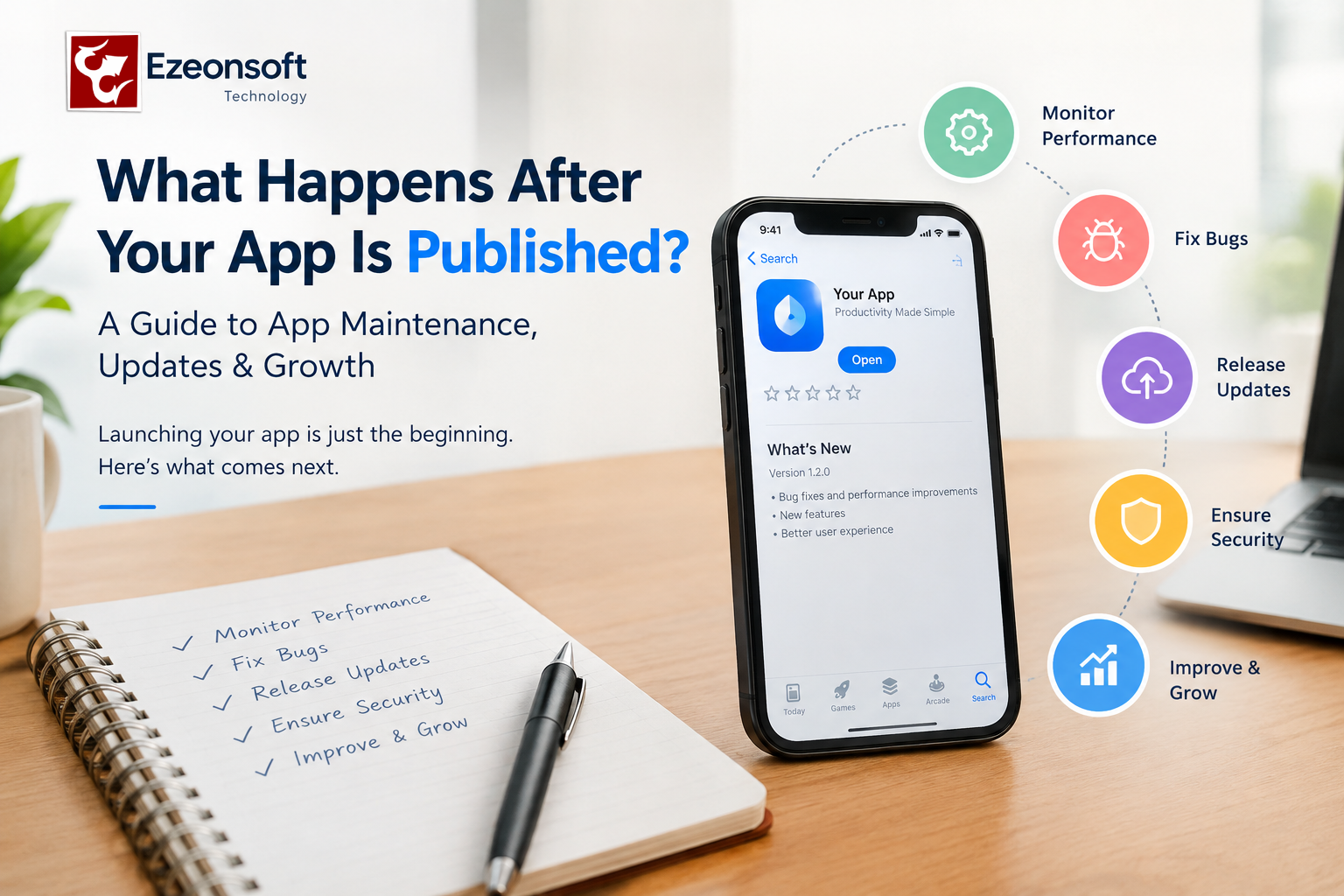
What Happens After Your App Is Published? A Guide to App Maintenance, Updates & Growth
Publishing a mobile app is not the end of app development. It is the beginning of the next stage: maintenance, monitoring, updates, security, performance optimization, and continuous improvement.
Many businesses focus on building and launching an Android or iOS app but do not plan for what happens after the app is published. A successful app needs regular attention to remain secure, fast, compatible with new devices and useful for its customers.
If you are planning to build a mobile app for your business, understanding the post-launch process can help you plan your development and maintenance budget more effectively.
What Happens After a Mobile App Is Published?
After an app is published on platforms such as Google Play or the Apple App Store, the development process continues.
Here are some of the most important activities that may be required after launch.
1. Monitor App Performance
The first step after launch is monitoring how the application performs in real-world conditions.
Developers may monitor:
- App crashes
- Slow screens
- API response times
- Server performance
- Login and registration problems
- Payment failures
- Database performance
- User activity
Real users can reveal problems that were not visible during development and testing.
2. Fix Bugs and Technical Issues
Even after extensive testing, some bugs may appear after an app reaches real users.
For example, an issue may occur only on a particular device, operating system version, network condition, or user flow.
Regular bug fixing helps maintain a reliable user experience.
3. Release App Updates
Mobile operating systems, devices and third-party services continue to change.
Your app may need updates for:
- New Android versions
- New iOS versions
- New smartphones and tablets
- API changes
- Payment gateway updates
- Security requirements
- Third-party SDK updates
Regular updates can help keep the application compatible with the technology ecosystem.
4. Improve App Speed and Performance
An app that becomes slow can negatively affect the user experience.
Performance optimization may involve checking:
- API response time
- Database queries
- Image sizes
- Network requests
- Application memory usage
- Unnecessary rendering
- Backend processing
Before increasing server capacity, it is important to identify the actual performance bottleneck.
5. Maintain App Security
Security should continue after launch.
Depending on the application, maintenance can include:
- Security updates
- Dependency updates
- Authentication improvements
- Access-control reviews
- Secure API communication
- Data protection
- Monitoring unusual activity
The security requirements of a banking app, healthcare app, e-commerce app and simple business app may be very different, so maintenance should be based on the application's actual risks.
6. Maintain the Backend and APIs
A mobile application often depends on backend servers, APIs and databases.
If the backend becomes unavailable or an API changes, the mobile application may stop working correctly.
Post-launch maintenance can therefore include:
- API maintenance
- Server monitoring
- Database optimization
- Backup management
- Error monitoring
- Server configuration
- Scalability planning
7. Listen to User Feedback
Users can provide valuable information about what should be improved.
Feedback can help identify:
- Missing features
- Difficult navigation
- Confusing screens
- Frequently requested functionality
- Problems with the checkout process
- Customer support issues
The next app update can then focus on improvements that provide real value to users.
8. Add New Features
A business application may start with a basic set of features and gradually expand.
For example, an e-commerce app might initially provide product browsing and ordering and later add:
- Loyalty programs
- Offers and coupons
- Subscription features
- Advanced notifications
- Multiple payment options
- Analytics
- Customer support
New features should be planned according to business requirements and user feedback.
9. Track Business and User Analytics
Analytics can help a business understand how people use its application.
Important metrics may include:
- New users
- Active users
- Retention
- Screen views
- Conversion rates
- Orders
- Abandoned actions
- Feature usage
These insights can help businesses decide what to improve next.
10. Plan for Scalability
An application that works well with 500 users may need a different architecture when it grows to 50,000 users.
As usage increases, businesses may need to review:
- Server capacity
- Database architecture
- API performance
- Caching
- Load balancing
- Cloud infrastructure
- Application architecture
Scalability should be considered before performance problems become business problems.
How Often Should a Mobile App Be Updated?
There is no single update schedule that works for every application.
The frequency depends on:
- Business requirements
- User feedback
- Operating-system changes
- Security requirements
- Bugs
- Third-party services
- New features
- Performance requirements
Some apps may require frequent updates, while others may need updates only when there is a technical or business requirement.
Is App Maintenance Necessary After Launch?
For most business applications, ongoing maintenance is an important part of the overall app lifecycle.
Building the application is one stage. Keeping the application secure, compatible, reliable and useful is an ongoing process.
A business should therefore consider app maintenance and support when estimating the total cost of mobile app development.
What Is Included in Mobile App Maintenance?
Depending on the project, mobile app maintenance may include:
- Bug fixing
- Performance optimization
- Android and iOS compatibility updates
- Backend and API maintenance
- Database maintenance
- Security updates
- Third-party integration updates
- Feature enhancements
- Server monitoring
- Technical support
The exact maintenance requirements depend on the application and its technology stack.
Mobile App Development and Maintenance with Ezeonsoft Technology
Ezeonsoft Technology provides mobile app development, website development and custom software development services for businesses and startups.
Depending on the project requirements, businesses can plan for Android app development, iOS app development, Flutter or React Native development, backend/API development, database integration and ongoing application support.
If you are planning a new business application, it is useful to think beyond the launch date and plan the complete application lifecycle—from idea and development to launch, maintenance, updates and future growth.
Frequently Asked Questions
What happens after an app is published?
After an app is published, businesses typically monitor performance, fix bugs, release updates, maintain APIs and servers, improve security, analyze user behavior and add new features when required.
Does a mobile app need maintenance after launch?
Yes, ongoing maintenance is commonly required to address bugs, security issues, operating-system changes, third-party service changes and new business requirements.
How often should a mobile app be updated?
There is no fixed schedule. Updates should be released when they are needed for bug fixes, security, compatibility, performance improvements or new features.
How much does mobile app maintenance cost?
The cost depends on the application's complexity, technology, backend infrastructure, number of integrations, support requirements and frequency of updates but in Ezeonsoft we provide 1 year free maintenance for your android & ios app.
Can an app be improved after it is published?
Yes. Businesses can continue improving an application by analysing user feedback, performance data and business requirements and then releasing new versions.
Conclusion
Publishing your app is not the finish line. It is the start of the app's ongoing lifecycle.
Monitoring, maintenance, security, performance optimization, updates, user feedback and scalability all contribute to keeping a business application useful over time.
If you are planning a mobile app, consider not only how much it costs to build an app, but also what will be required to maintain and grow it after launch.
Ezeonsoft Technology can help businesses and startups with mobile app, website and custom software development requirements.